Never miss a moment of your wedding
Capture your happy moments from every guests point of view. One QR code puts every photo and video they took into one private album — no signups needed, no apps to install.
Set up takes less than 3 minutes
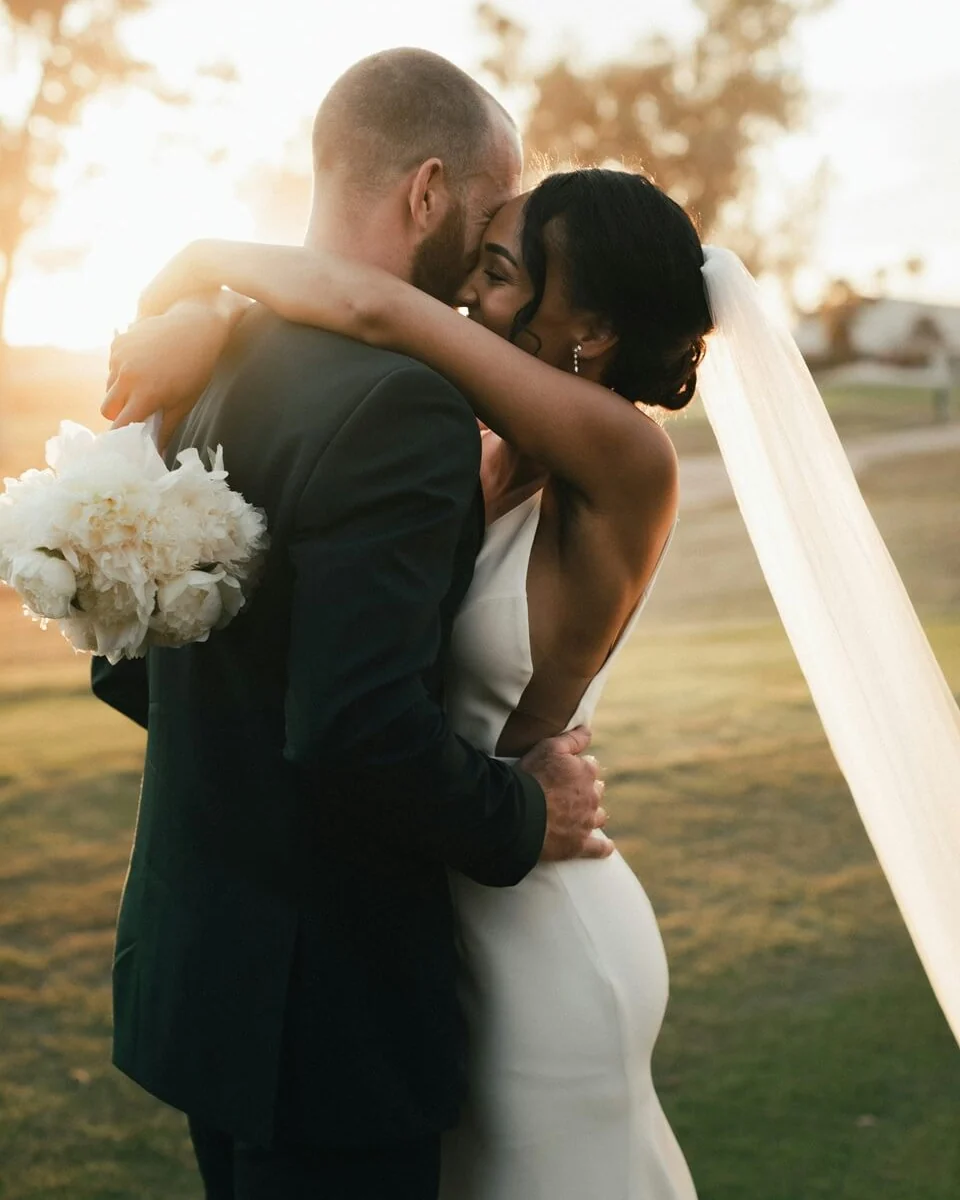
As simple as 1, 2, 3
- Step 1Create your albumName it, pick your dates and print the QR code.
- Step 2Guests scan the code and uploadNo app, no account, no sign-ups needed.
- Step 3Everything stored securely in one albumPhotos and videos, in full quality, yours to download and keep.
Your whole wedding, from every angle
One beautiful, private place for every photo, video and moment your guests captured.

Your wedding, through everyone's eyes
Your photographer captures the big moments. Your guests capture everything in between — the laughter at their table, the spontaneous selfies, the kitchen escape and the dance floor after midnight. Bring it all together and experience your wedding all over again.

Made for albums, frames and forever
Photos and videos are uploaded in their original quality, without being compressed by a messaging app. Download the entire collection in one click, ready to save, print and share for years to come.
Even when the venue Wi-Fi doesn't
If an upload is interrupted, it can continue once the connection returns. Guests can finish uploading later from the hotel, the car ride home or the couch the next morning — so fewer memories get left behind.
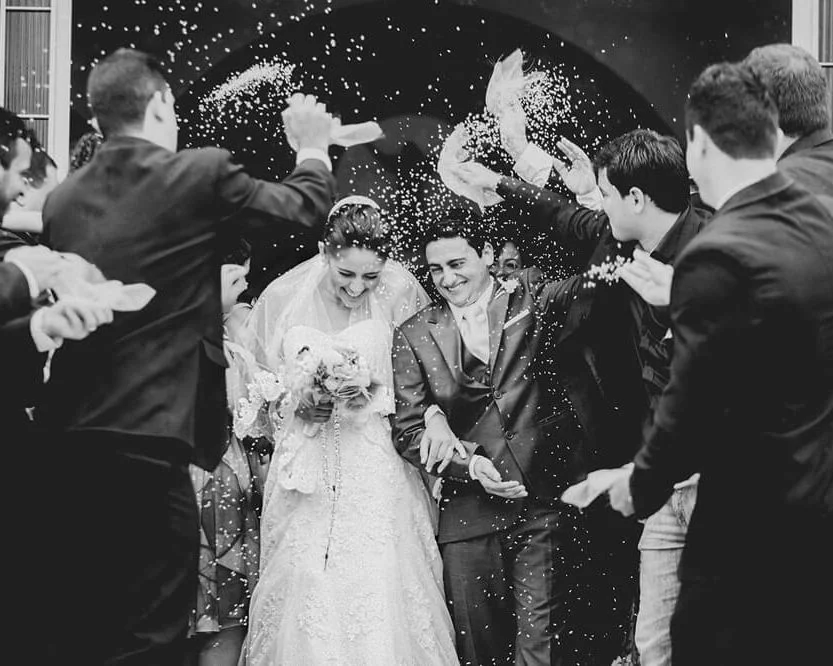
Shared with your guests, not the internet
Your wedding gallery is only available to people who receive your QR code or private link. It is not searchable or publicly listed, and location information is removed from uploaded photos for added privacy.
Nothing extra to manage
Wedding QR Code was built to be inherently simple and straightforward. There are no complicated settings, planning tools or social features to learn. Everything is designed to be ready when you need it and stay out of the way when you do not.
Your QR code, ready however you need it
Download the plain QR code to add to your own invitations, menus or signage — or choose one of our ready-to-print designs and have it on the table in minutes.
The practical details are handled
- No app for guests to install
- No accounts for guests to create
- No complicated setup before the wedding
- Plain and print-ready QR code designs
- No websites, guestbooks or unnecessary extras
You have enough to organise already. We've been there. Hence why we made this as easy as possible.
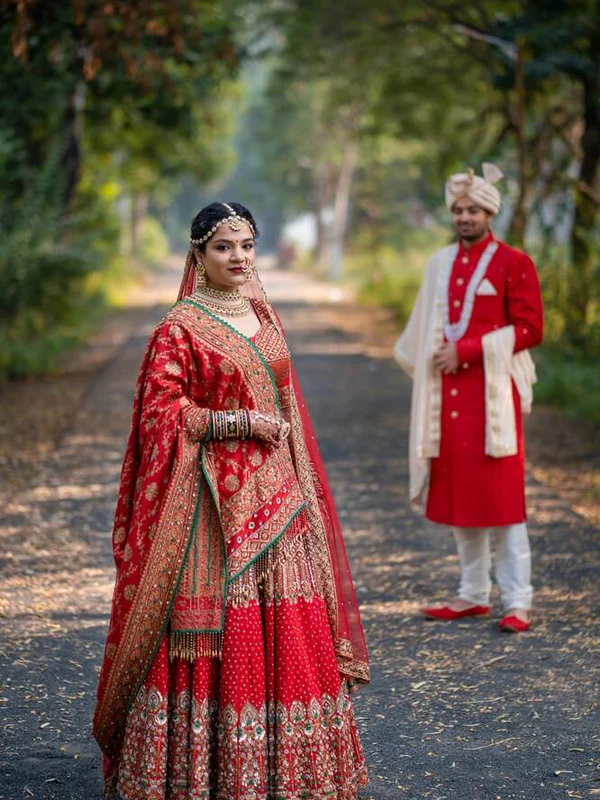
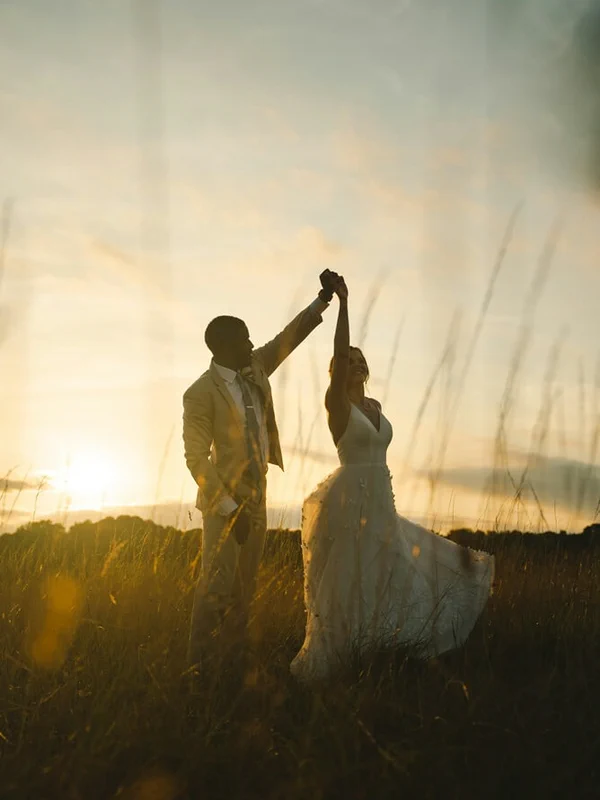
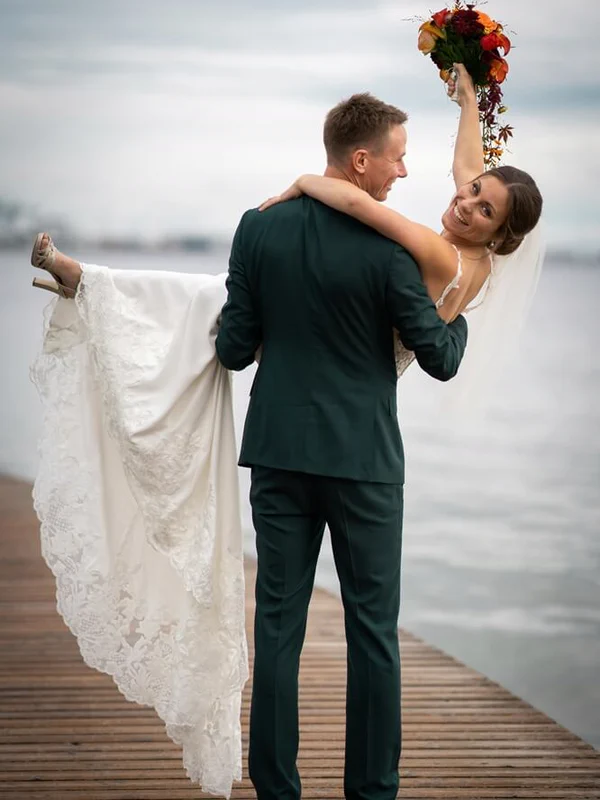
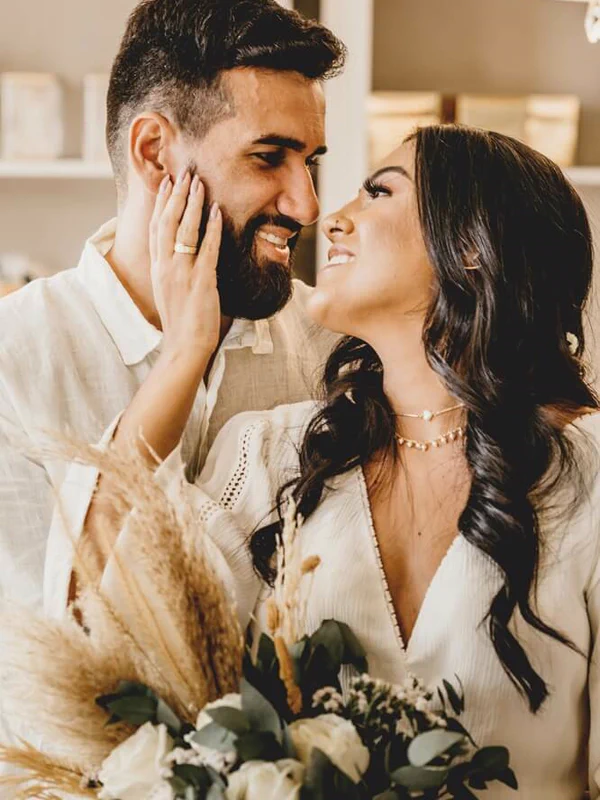
All the moments happening around you
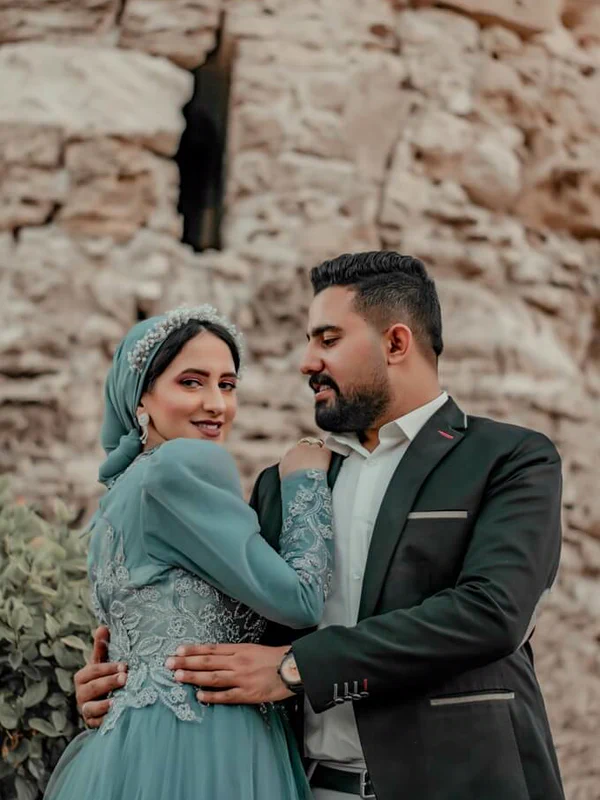
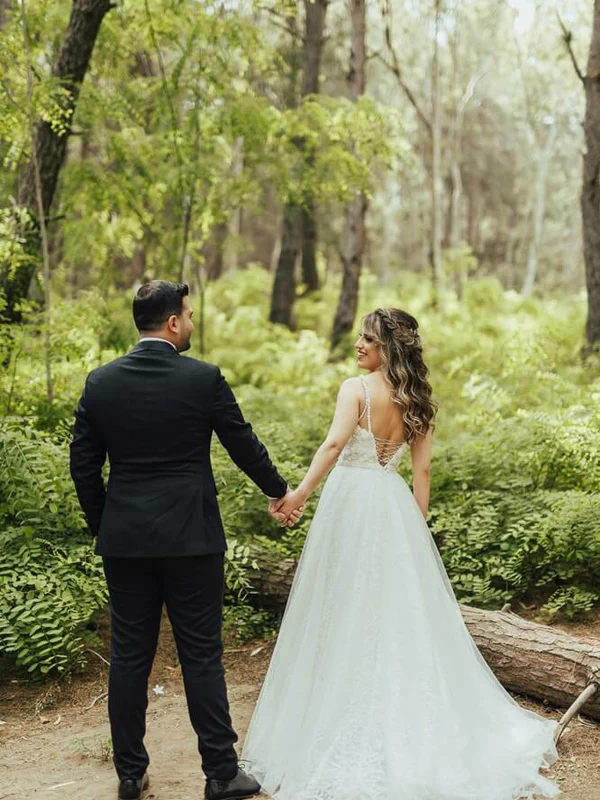
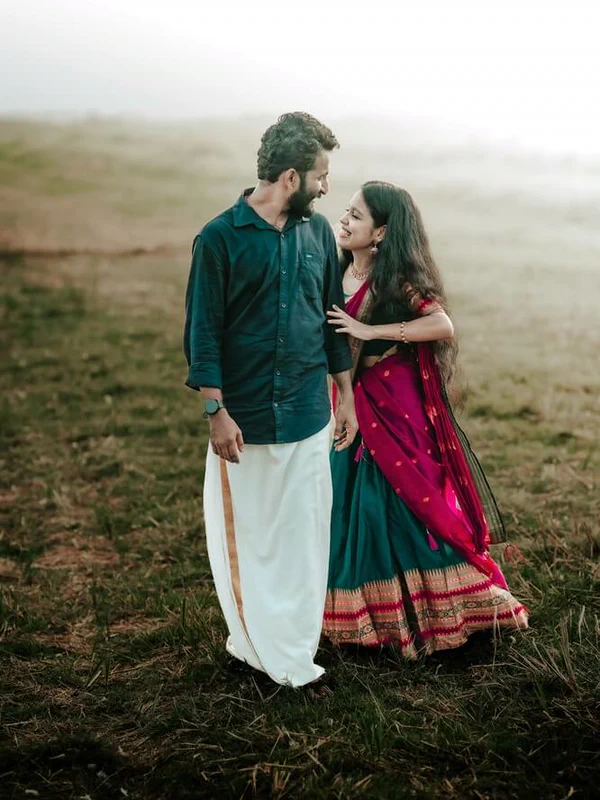
While you were living one moment, a hundred others were unfolding across the room. Your guests were there to catch them.


You have already thought of a free way to do this
Most couples do. The problem is that the free options rely on guests joining, remembering, posting or sending everything afterwards — usually on the one day you do not want to manage anyone.
- A shared Google or Apple album
- Guests have to open the invitation, join the album and remember where to upload. Some will not have the right account, some will get stuck, and plenty will simply forget. Before long, you are chasing the same people you were trying not to chase.
- The group chat
- WhatsApp and other messaging apps often compress photos and videos, so what reaches you may not be the same full-quality file your guest captured. Everything arrives mixed in with messages, reactions and questions about who left a jacket behind — and by Tuesday, the best photos are already buried in the conversation.
- A hashtag
- It only catches the guests who actually post. The best photo of the night may be sitting on the phone of someone who has not opened Instagram since 2019.
- Asking everyone afterwards
- It is awkward, it takes weeks, and it mostly does not work. Everyone means to send their photos.
That is the whole tragedy of it: everyone means to.
Pay once. Your wedding is not a subscription.
All prices are in AUD. No monthly fees, guest limits or surprises at checkout.
Free
$0 try it out
See how everything works before using it for the real day.
- One test album
- Up to 10 photos or videos
- Your own QR code and sharing link
- The complete guest experience
- No card required
Single event
$29 one-time
One wedding, one album, everything in it.
- One album · 25 GB of storage
- Unlimited guests
- Photos and videos at full quality
- Download everything in one click
- Album stays live for 6 months
Multi-event
$89 one-time · 15-day window
For the ones with a variety of events, eg. welcome dinner, wedding and recovery brunch.
- Unlimited albums across a 15 day period
- 100 GB shared storage between them
- Unlimited guests
- Photos and videos at full quality
- Albums stay live for 6 months
- +$5 more storage · per 10 GB
- +$15 additional hosting · 6 more months
Your album stays live for 6 months from your event date, and you can download any or all files at any point in that window. We will remind you before hosting expires, so you can ensure you download all your content before then or choose to renew your hosting.
The things couples actually ask us
Will my elder guests be able to actually manage this?
Yes. They scan the code or tap the link, choose their photos, and they are done. There is no app and no account. That is the whole reason the photos actually get collected instead of promised.
Do you use AI to manage or analyse our photos?
No, and we never will. Your photos are not sorted, interpreted or curated by AI. We believe the memories you and your guests capture should remain personal — created by people, shared with people and enjoyed by people.
What if nobody uses it?
It is important to ensure your QR code is made as accessible as possible. We have found more uptake happens when the Master of Ceremonies (MC) or host mentions to the guests that there are QR codes spread throughout the venue to help share their captured shots with the happy couple.
What happens when the venue wifi gives up?
Guests can upload over wifi or their own mobile data, and uploads resume if the connection drops rather than starting again. If reception is genuinely unusable, send your guests the event link and they can upload later.
What if something goes wrong on the day?
Your QR code is simply a link, so even if a printed sign disappears, you can text the link to your guests instead. Interrupted uploads pick up where they left off, and guests can finish adding their photos later.
There is nothing for you to operate, monitor or keep running during the wedding. Once it is set up, it quietly does its job.
Do we need to upload all the photos on the day of the event?
No. The album keeps accepting uploads long after the last dance. Share the QR code on the day, or send the link around afterwards — guests can add what they took that night, the next morning, or whenever they finally get through their camera roll.
Can't we just use a shared Google Photos album?
You can, if every guest has a Google account and is signed in. You don't really want to inconvenience the ones who don't use Google or make them compelled to sign up to submit photos.
Why not just have everyone send photos over WhatsApp?
WhatsApp and most messaging apps compress photos and videos before they send, so what reaches you is a smaller, re-encoded copy rather than the file your guest actually took. There are workarounds, but trying to explain that to all your guests is just admin you don't need post wedding. Here every upload keeps the quality it was shot at, which is the difference between a photo you can print and one that only ever looks right on a phone.
We have a photographer. Isn't that enough?
Your photographer covers the day they can see. This covers the tables they were not at, the moments after they left, and the videos nobody else took. It is not a replacement — it is the other half of the day.
What happens to our photos afterwards?
Your album stays live for 6 months from your event date, and you can download everything at any point. We will remind you before it expires. If you would rather keep it hosted, there is a storage plan for that.
What happens if I go over my storage limit? Will the app stop working?
No. Your guests can keep uploading, so nothing breaks down in front of them on the day. What changes is on your side: the photos past your limit still appear in the album, but seeing and downloading them at full quality waits until there is room.
Making room unlocks them again automatically, usually within a minute — either delete what you do not want to keep, or add more storage. The free trial album is the one exception: it stops at 10 files, which is what makes it a trial.
What does 25 GB of storage actually get us?
The storage limits we provide are generous. We rarely have customers ever hit their storage limit. As an example, for 25 GB of storage, you would have the equivalent to fill it with 5,000 photos (the ones taken from a mobile) and about 35 videos of around three minutes each at 1080p.
Can we print the code on our signs and table cards?
Yes, and most couples do. The same code works on printed cards, a sign at the entrance, or shared as a link over text — it all goes to the same album.
Who can actually see our album?
Only the people you give the code or link to. It is not searchable and not public, and location data is stripped from every upload when it is processed.
Can I use it for other events?
Yes. Wedding QR Code also works beautifully for engagement parties, hens and bucks celebrations, rehearsal dinners, anniversaries and more.
The name says who it was made for, not where it has to be used.
Your guests are going to take these photos anyway
This is just the part where you get to keep them.
Create your album — freeFree to try, and setup in less than 3 minutes.